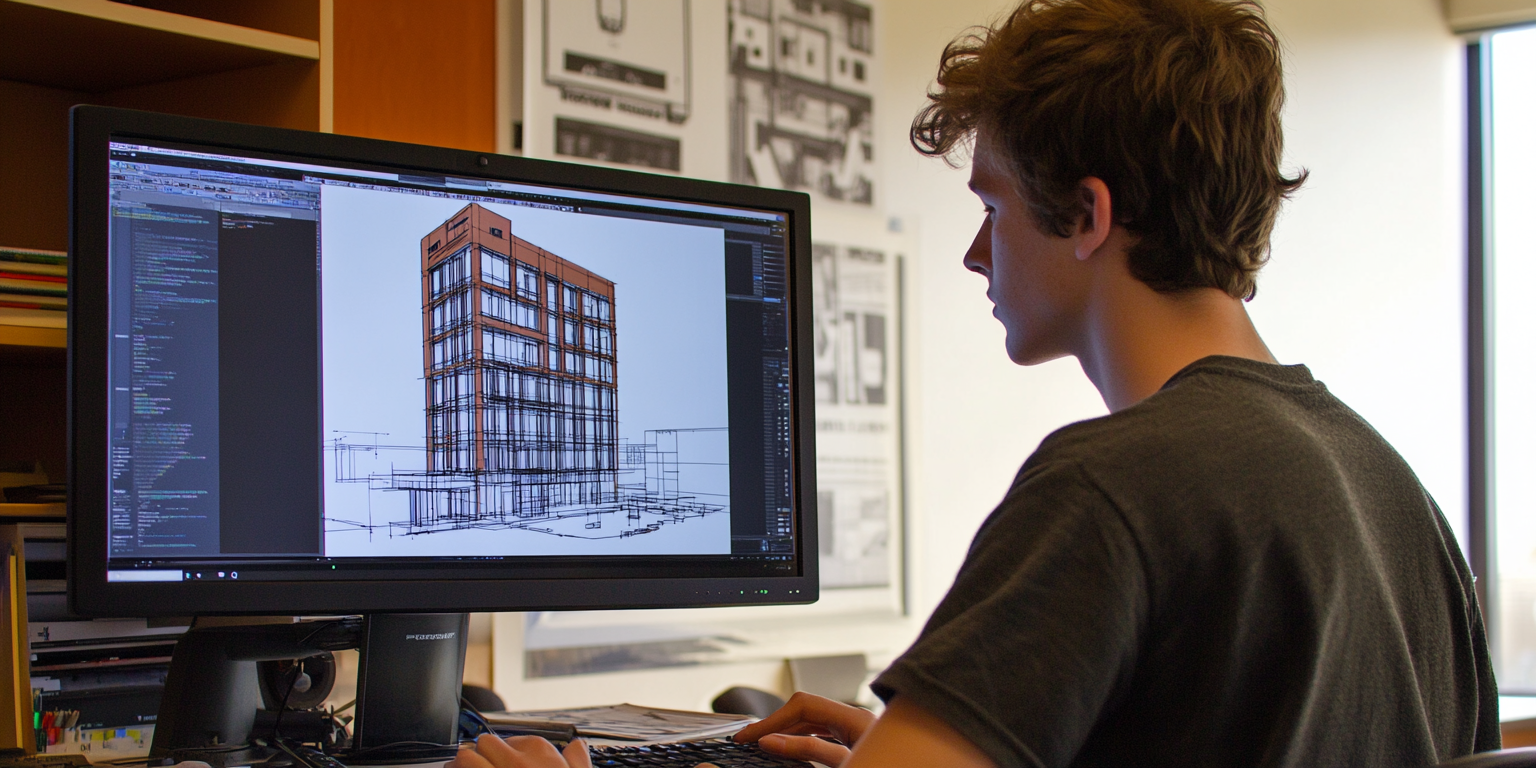
Strip away the acronyms and the marketing, and the entire BIM-versus-CAD debate reduces to one deceptively small question: when you draw a wall, what did you actually make?
In CAD, you made two parallel lines. Your eye reads them as a wall; the software just sees geometry. In BIM, you made a wall — an object that knows its height, its materials, its fire rating, the fact there's a door in it, and how it relates to the floor and roof around it. That difference sounds academic until you realise it cascades into everything: how fast you revise, how your team collaborates, how many coordination errors slip through, and ultimately your firm's bottom line. So let's build the comparison from that single seed.
A quick bit of history, because it explains the split
Not long ago, architects worked hunched over drafting tables with T-squares and pencils — intimate, artistic, slow, and error-prone. CAD arrived in the 1980s and did something clever but conservative: it digitized the drawing board. Same familiar workflow — lines, arcs, circles — now precise, copyable and instantly revisable. That gentle approach is exactly why the profession adopted it so readily; it didn't ask anyone to think differently, just to draw faster.
But as buildings got more complex and sustainability and coordination demands grew, the limits of "a faster drawing board" started to show. That pressure is what produced BIM — not a better way to draw, but a different thing entirely.
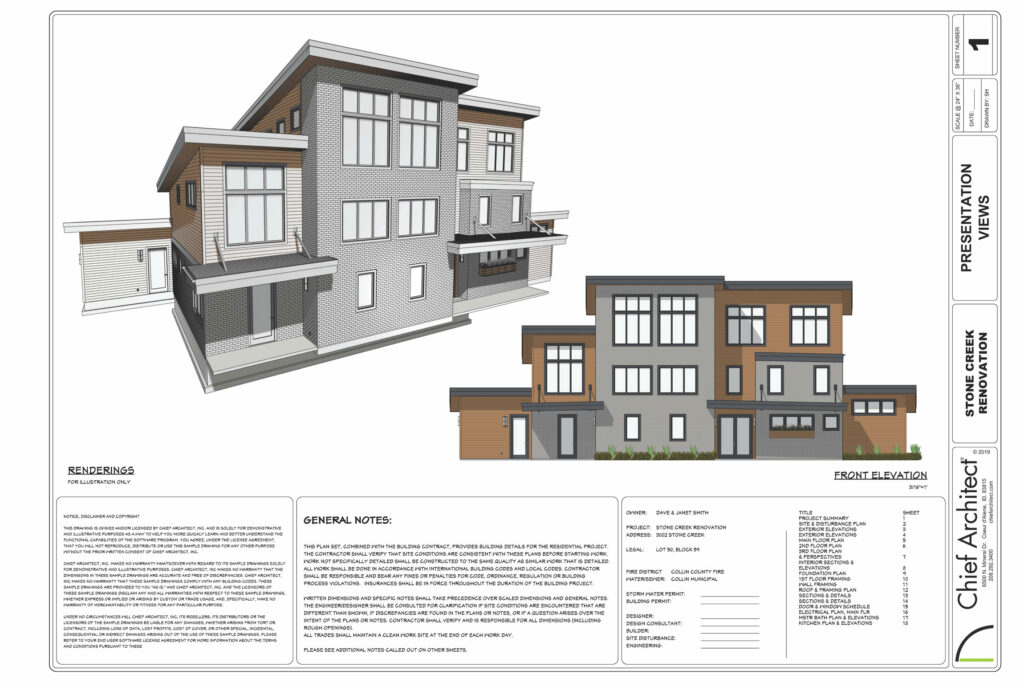 CAD drawings are often generated from a 3D model (ref. Chief Architect)
CAD: the digital drawing board, perfected
CAD's premise is honest and simple: digital tools that mirror manual drafting. Lines and arcs become entities you can manipulate with sub-millimetre precision. Around that core sit the features a real practice needs — layer management, reusable block libraries, external reference files, and professional plotting at any scale.
The numbers on the transition were genuinely transformative:
| Task | Traditional | CAD | Impact |
|---|---|---|---|
| Drawing creation | Hand-drafting on paper | Precision digital tools | ~50% faster |
| Revisions | Erase and redraw | Edit existing elements | ~75% faster |
| Documentation | Physical blueprints | Digital files and plots | ~60% faster |
| Storage | Filing cabinets | Digital archives | ~90% less space |
| Sharing | Copy and courier | Electronic transmission | Near-instant |
CAD endures for good reasons: a shallow learning curve, unmatched efficiency for certain 2D documentation, and a file format (DWG) that's become the construction industry's universal language. Its weakness is the flip side of its simplicity — the lines are dumb. There are no intelligent relationships, so a change in one drawing must be hand-coordinated across all the others, and that manual reconciliation is exactly where errors breed on complex jobs.
BIM: from drawing to building intelligence
BIM throws out the "draw lines" premise. Instead of representing a wall, you place an intelligent wall object that understands its role, interacts with adjacent elements automatically, and updates across every view the instant you change it. Your documentation stops being a stack of drawings you must keep in sync and becomes a single coherent model that generates those drawings on demand.
That database-driven approach is where the famous extra dimensions come from:
| Information | How BIM holds it | Payoff |
|---|---|---|
| Geometry | 3D parametric objects | Accurate visualization and coordination |
| Materials | Embedded specifications | Automated schedules and estimates |
| Performance | Analysis parameters | Better-informed decisions |
| Time (4D) | Construction sequencing | Improved project planning |
| Cost (5D) | Cost estimation | Tighter budget control |
And because it's one shared model, it's profoundly collaborative — structural engineers, MEP consultants, cost estimators, contractors and facility managers all work against the same source of truth, with automated clash detection catching conflicts before they reach a construction site. The cost of all this power is a real one: BIM demands serious investment in training and a genuine shift in how a team thinks about delivery.
The head-to-head
Here's the trade laid bare:
| Aspect | CAD | BIM |
|---|---|---|
| Software cost | $1,000–3,000/seat | $5,000–7,000/seat |
| Training time | 1–2 months | 3–6 months |
| Hardware | Moderate | High |
| Per-project setup | Quick | Extended |
| Long-term efficiency | Moderate | High |
| Team size | Flexible | Typically larger |
Notice the shape of it. BIM costs more up front in every column — money, time, hardware, setup. It pays that back in the long-term efficiency row, through fewer errors, faster document production and better data management. CAD is the cheaper start and the slower finish; BIM is the expensive start and the faster finish. Which is "better" depends entirely on how long and how complex your race is.
That maps cleanly onto where each shines:
- CAD wins at: schematic sketching, simple documentation, renovation work, shop drawings, quick-turnaround jobs.
- BIM wins at: complex coordination, full construction documentation, quantity takeoffs, visualization, and facilities management.
How to actually choose
Skip the dogma; run the assessment. Weigh four things honestly: your project portfolio (how big, how complex, who your clients are), your practice resources (training budget, technical depth, hardware, how adaptable your staff really are), your client requirements (deliverables, file formats, whether they want data-rich models), and your budget (both the up-front hit and the training runway).
If you do commit to a transition, phase it rather than flipping a switch:
| Phase | Duration | Focus |
|---|---|---|
| Planning | 1–2 months | Needs assessment, software selection |
| Setup | 2–3 months | Infrastructure, initial training |
| Pilot | 3–4 months | Test projects, refine workflows |
| Rollout | 6–12 months | Full implementation, ongoing training |
Where the wind is blowing
It would be dishonest to pretend this is a static, symmetrical choice. BIM adoption keeps rising, clients increasingly demand data-rich deliverables, and the industry is leaning hard into sustainability analysis, digital twins and lifecycle management — all of which assume an intelligent model, not a stack of drawings. AI (automated optimization, smart object placement), cloud collaboration and on-site mobile access are accelerating that drift. The trajectory clearly favours BIM as the foundation for future practice.
The bottom line
Neither system is universally better, and anyone who tells you otherwise is selling something. A small firm doing renovations and shop drawings may find CAD genuinely more cost-effective; a larger firm tackling complex, coordinated buildings will almost certainly do better with BIM. The honest decision isn't "which is superior" but "which fits this practice, these projects, this budget."
One caution worth ending on, since the industry pressure all points one way: BIM's promise is fewer errors and better outcomes, and it delivers — if implemented well. A half-trained team running expensive BIM software badly produces worse results than a sharp team running CAD well. So success comes less from picking the most advanced tool than from picking the right one and implementing it properly. Choose for your circumstances, not the trend — and for the longer story of how the profession got here, the evolution from traditional to AI-driven methods is the natural next read.